
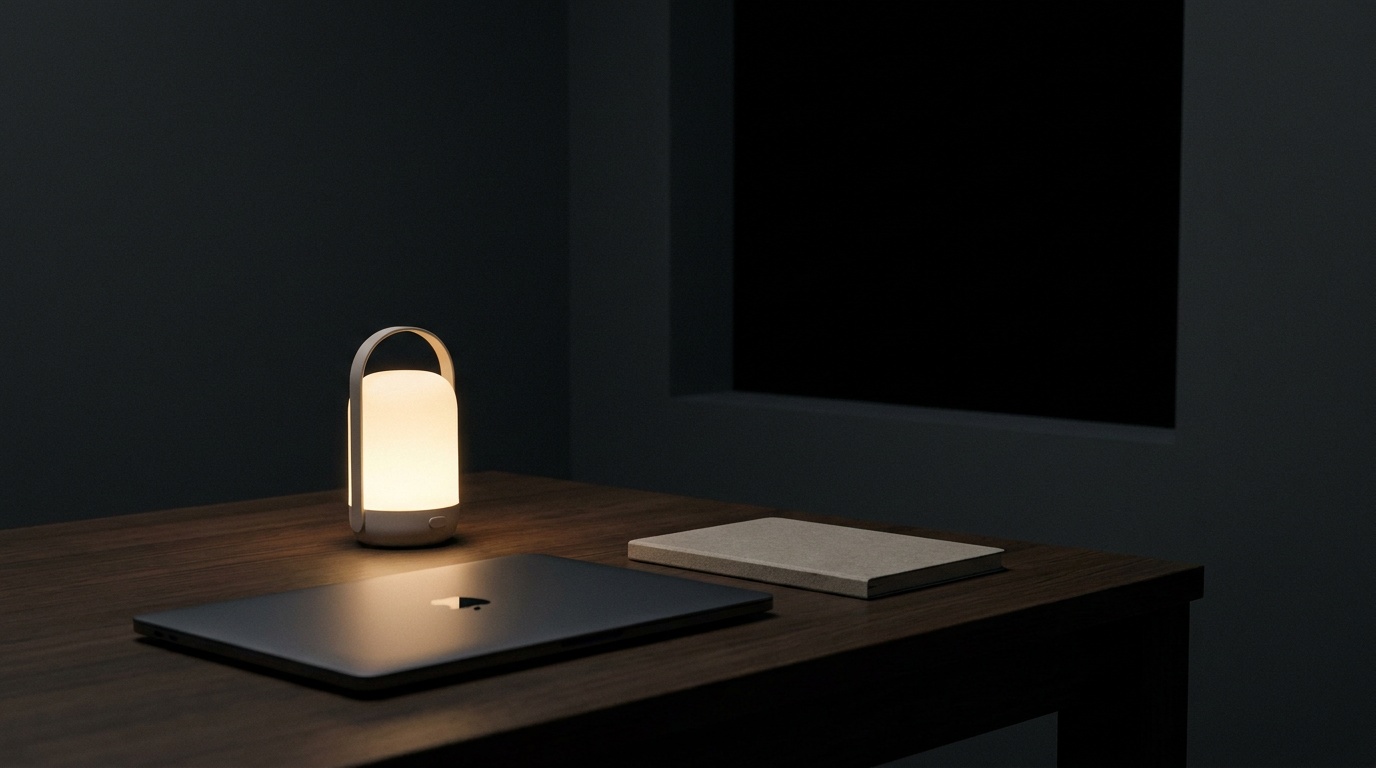

Our studio sits on the third floor of an old printing house on Verkhniy Val, two blocks from the Dnipro. The windows are tall, the radiators are older than most of our clients, and since October 2022 the power has gone out on a schedule that changes every week. You learn to work differently when you cannot assume electricity. You also learn things about motion design that no tutorial ever mentions.
The Schedule We Didn’t Choose
DTEK publishes outage schedules in blocks: Group 1, Group 2, Group 3. We are Group 4, which some weeks means four hours off at a time, twice a day, and other weeks means something closer to normal. Nobody plans a design review around a utility company’s queue system by choice. We did it because the alternative was missing deadlines for a Lisbon fintech client and a Prague bakery chain who had never heard of load shedding and did not need to.
So our motion reviews moved. We stopped scheduling them for 9am, when the office is sometimes dark, and started running them between 2pm and 6pm, the window that has stayed stable longest. Marichka, our motion lead, keeps a second laptop charged to 100 percent at all times, untouched, reserved only for presenting to clients. It has a sticker on it that says DO NOT OPEN FOR EMAIL.
Testing Motion Offline
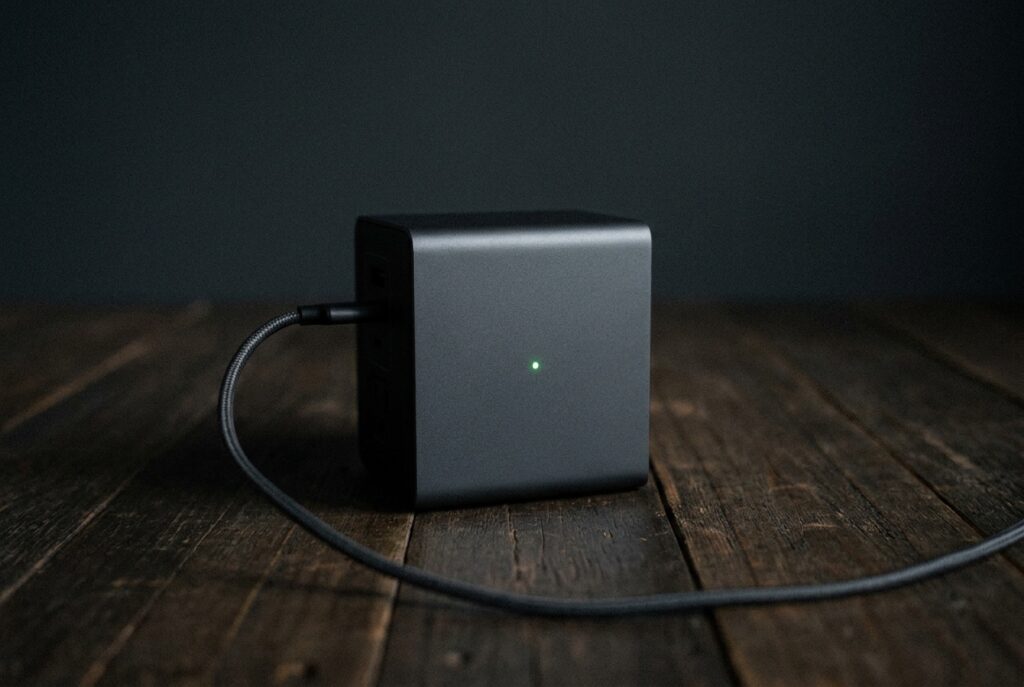
The obvious problem is that After Effects renders are heavy and our UPS units are not. A full battery pack from a hardware store on Khreshchatyk gives us roughly ninety minutes of laptop time if we are careful, less if the router and the kettle are both drawing from the same line. Ninety minutes is not enough to render twelve seconds of a hero animation at full resolution twice.
The Low-Power Preview
We built a habit around proxies. Every motion file now gets a quarter-resolution preview export the moment a first pass exists, so reviews can happen on battery without anyone waiting on a render bar. It sounds like a small workflow tweak. In practice it changed how we design, because quarter-resolution previews hide fine detail and force you to judge timing and weight instead of polish. A transition either feels right at low res or it doesn’t.
Oleh, who handles most of our Rive and Lottie work, says the low-power preview taught him more about pacing than three years of client feedback did. You cannot hide a sluggish ease curve behind a crisp gradient when the gradient is sitting at 480p on battery.
What Blackouts Taught Us About Easing
There is a version of motion design that treats every interaction as an opportunity for flourish. Staggered reveals, parallax on scroll, hover states with three-stage bounce. We used to design that way too, before every animation had to justify its render time and its battery draw in the same conversation.
What we found is that most of it was never necessary. A 200ms ease on a button is indistinguishable from a 280ms ease to almost every user, but it renders faster, previews faster, and ships faster when your window to work is finite. We started asking a blunt question in every review: does this motion do something the layout alone cannot do? If the answer was decoration, it got cut, not because we had gone minimalist by philosophy but because we had gone minimalist by electricity bill.
Fewer Frames, More Intention
Our current animation guidelines, the ones we hand to junior designers now, fit on one page. They did not fit on one page in 2021.
- No animation longer than 400ms unless it is communicating a state change, like a save or an upload
- Every easing curve gets a name and a reason, not a default from a dropdown
- Motion must still make sense if the user’s connection drops mid-interaction, because ours often does
- If a preview looks good at quarter resolution, it will look good at full resolution; the reverse is not reliably true
The Generator Playlist
We bought a small Honda generator in December 2022, the kind that sits in a hallway and hums just loud enough to need headphones. It powers two monitors and a router, nothing more. Andriy keeps a Spotify playlist named after it, songs chosen specifically for the hum register of a 2.2kW engine, mostly things with a steady low end that won’t compete with it.
The generator changed our relationship to deadlines more than any project management tool we’ve tried. You cannot bill a client for generator fuel directly, but you learn to estimate projects with buffer baked in, because a four-hour outage during a critical render week is not hypothetical anymore, it is Tuesday.
Building a Studio Ritual Around Uncertainty
What surprised us was how much the team liked the new rhythm once it stopped being an emergency and became a habit. The 2pm to 6pm review window became something closer to a ritual, the one stretch of the day everyone is reliably online and reliably charged. People started protecting it the way they used to protect lunch.
We did not choose a calmer way of designing motion. The power schedule chose it for us, and three years later we are not sure we would go back even if we could.
A studio in London once asked us, politely, during a joint pitch, why our motion felt so restrained compared to trend-driven agencies pitching the same client. We did not mention the generator. We said it was a design philosophy, which by then it genuinely was, even if the philosophy started as a workaround.
What Clients Never See
Most clients never learn any of this. They see a smooth 300ms transition on a pricing toggle and assume it came from careful taste, which it did, just not in the order they’d imagine. The taste came after the constraint, not before it.
We’ve kept the quarter-resolution preview habit even on the weeks when power is stable, because it still catches lazy timing faster than a full-quality render does. Some constraints are worth keeping around long after the reason for them has passed, or at least long after you hope it has.



Leave a Reply